Skip to content
Amara Accessibility Media

Amara Accessibility Media

Building access to global information through transcripts, captions, and subtitles

  • Categories
    • Accessibility and Captioning
    • Audio and Video Transcription
    • Captions and Subtitles
    • Culture and Appreciation
    • Language Diversity Preservation
    • Solutions and Tools
    • Subtitling and Global Reach
    • Technology and Work
    • Transcreation and Cultural Adaptation
    • Translation and Localization
    • Volunteering
    • Amara On Demand
    • Amara Enterprise Platform
    • Artículos en español
    • Artigos em português
    • Articles en français
  • Industries
    • Arts
    • Corporate
    • Digital Video Creators
    • Education
    • Film and Television
    • News
    • Nonprofits
    • Podcast
  • Professional Services
    • Audio and Video Transcription
    • Professional Captions
    • Subtitle Translation
    • AI Captions
    • AI Subtitles
    • Text Translation
  • Platform Solutions
    • Amara Public (Free)
    • Amara Plus
    • Amara Enterprise
    • Amara Editor Integration
  • Amplifying Voices
    • Become a Volunteer
    • Content Partners
      • Association of African Universities (AAU)
      • All Out
      • CIVIX
    • Projects
      • Accessibility and Inclusion
      • Black History
      • Civic Participation and Democracy
      • COVID-19 Pandemic
      • Diversity and Equality
      • Endangered Languages
      • Environment and Climate Change
      • Gender Diversity
      • Greenwashing
      • Human Trafficking
      • Hunger
      • Indigenous Peoples’ Rights
      • Mental Health
      • Misinformation and Disinformation
      • Musical Education
      • Neurodiversity
      • Ocean Protection
      • Promoting Girls Education
      • Promotion of Literacy Worldwide
      • Recycling and Upcycling
      • Refugee Crisis and Solutions
      • Rewilding
      • Sexual Diversity
      • Sustainable Societies
      • Wildfires
      • Wildlife Protection
  • Updates
    • Amara Announcements
    • Features and Developments
    • Amara Partners
    • Amara Team Guest Posts
    • Amara Team Member Spotlight
    • Volunteer
  • Toggle search form
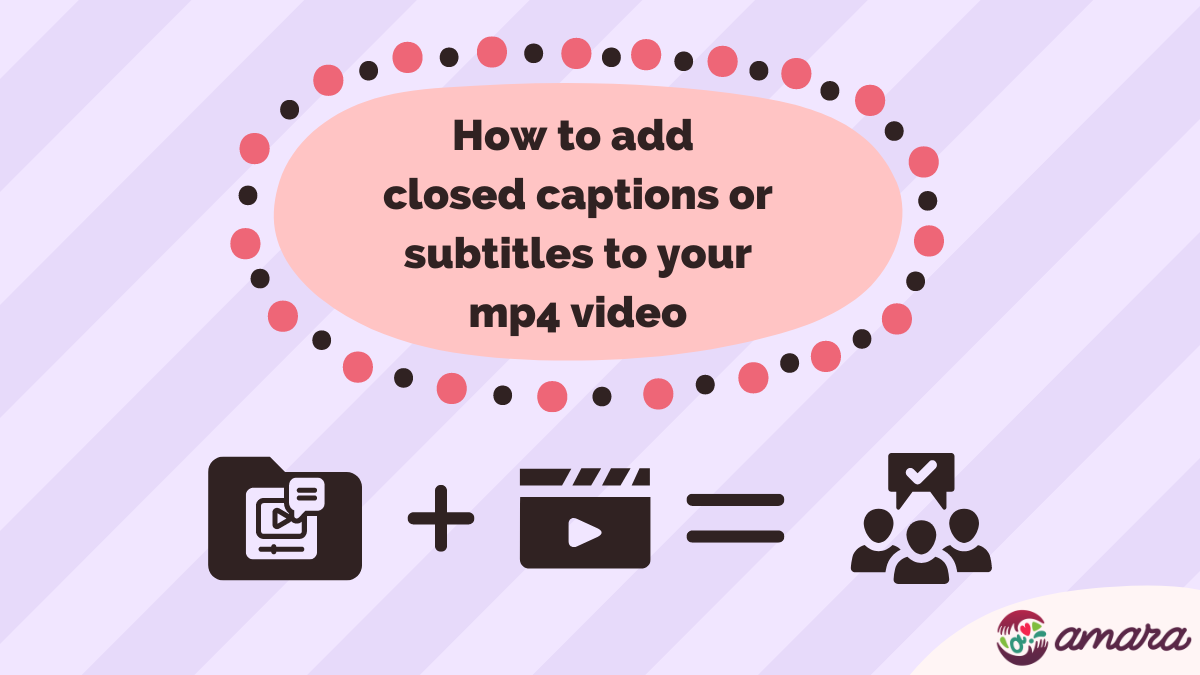
Title says "how to add closed captions or subtitles to your mp4 video" with illustration of subtitle file adding to a video to equal audience approval.

How to add Closed Captions or Subtitles to your MP4 video

Posted on October 13, 2022July 4, 2024 By allison 1 Comment on How to add Closed Captions or Subtitles to your MP4 video

The importance of adding closed captions and subtitles to a video is central to our mission here at Amara. So we want to make it as easy as possible! To that end, we’ve put together a quick article on adding closed captions and subtitles to mp4 videos. Read on to learn a few tips and tricks for managing videos and subtitles both online and off.

What are captions

Captions refer to subtitles in the same language as the video. Closed captions are captions that can be turned on or off by the viewer. Captions, or same-language subtitles, were first introduced as an accessibility measure on public television in a few countries around the world.

In modern captions, we have seen a rise in auto-generated captions which has had both positive and negative effects. While auto-generated captions can save time for creators, they also are known to have more errors than human-created captions. While figuring out how to add captions to videos, consider the final experience of the viewer and make sure that all captions are reviewed by a person!

What are subtitles

“Subtitles” is a term that is used for both same-language and translated subtitles. Subtitles started in the operatic tradition, when audiences were viewing operas in languages they did not speak themselves. Subtitles in opera houses could be shown above or beside the players on the stage. But modern subtitles are usually shown at the bottom of videos unless the subtitle needs to be repositioned to the top of the screen to not block important text like name cards or news ticker tape.

Add subtitles to mp4 on video platforms

There are a few ways to add subtitles to mp4 videos online. Whether they are same-language subtitles or translated subtitles, the process is the same. There should be a video file and a subtitle or caption file to get started.

Some platforms, like YouTube, allow users to type and synchronize subtitles manually along with the video or upload subtitle files from their computer.

Most popular video platforms offer some kind of automatic captioning for videos in certain languages. But any automatic caption should only be treated as a starting point for creating accessible and accurate captions and subtitles. 

Creating, organizing, and synchronizing subtitles can be difficult to manage. But with Amara Teams, creators can have a private workspace where they manage subtitle requests and deliveries. Amara Teams have integrations with YouTube, Vimeo, and Kaltura where subtitle edits can automatically synchronize to the host platform.

Add mp4 subtitles on social media

Around 85% of social media users scroll with their sound off. And if the look of a video isn’t enough to keep their attention, they might just keep scrolling without a care. Subtitles are another opportunity to reach people who are bombarded with information from their phones every day. A great first line popping up in the subtitles could get their attention more effectively than a muted video.

The best bet for someone looking to add subtitles to mp4 online free is to use an unformatted SRT subtitle file. Social media platforms like Instagram, Facebook, and TikTok usually don’t support more complex subtitle file types or additional formatting. We created a guide on making your own srt file from your video or transcript. 

Using unformatted SRT for your mp4 videos means that the subtitles won’t have any styling, positioning, or other formatting.

Adding subtitles to mp4 videos offline

Adding subtitles to mp4 videos offline is sometimes as easy as drag-and-drop. Choosing a video player, that is the first step in how to play mp4 with subtitles. Review the supported subtitle formats for your video player. Then either create or download your subtitles in a supported format. If dragging the subtitle file on top of the video player doesn’t work, check in the menu bar for options for importing subtitle files.

Sometimes there are timing issues that make subtitles and videos not match up. But luckily a lot of video players include a bulk time shift option. Check for keyboard shortcuts for moving the subtitle track forward or backward to match the speech in the video. If that doesn’t work, the Amara Editor has a bulk shift function that is easy to use. Simply add a video to the Amara platform, enter the Amara Editor, and click under the clock icon to bulk shift subtitles. This can be done for videos in the free workspace or in an Amara Team.

Subtitle quality and the importance of review

When it comes to creating quality captions and subtitles, more heads are better than one! Adding a final review step before publishing for others to see can boost the quality of the captions or subtitles and the enjoyment of the final audience. 

And if more help is needed, we have some quickstart guides to creating quality captions as well as some tips for translation and review. Gather and share all the resources available to make the world a bit more accessible!

Happy subtitling!
Read these articles next

Solutions and Tools, Tech

Post navigation

Previous Post: 5 Incredible Benefits of Captioning and Subtitling YouTube Videos!
Next Post: English automatic captions and Amara

More articles to learn from

A rectangular image with a "plum" colored background. At the center we have the Amara logo. Below it we have the title of the article, it reads: Subtitles on Amara.org: Public, Enterprise, and Professional Services Explained Subtitles on Amara.org: Public, Enterprise, and Professional Services Explained Accessibility and Captioning
A rectangular image. The Amara logo is on the top-right corner. at the center/bottom, we have the title of the article, the text reads: Sharing Captioned and Subtitled Videos on Amara.org: A Quick Guide for Viewers. At the top of the text, there's an illustration of a video with a play button and a share button being clicked. Sharing Captioned and Subtitled Videos on Amara.org: A Quick Guide for Viewers Amara Announcements
A rectangular image with the article title highlighted at the center, the text reads: Accessibility vs. Inclusion in Captions and Subtitle Translation: Why Human Expertise + AI Is the Key. There's also an illustration of a robot and man hugging side-by-side with a heart emoji on top of them. Accessibility vs. Inclusion in Captions and Subtitle Translation: Why Human Expertise + AI Is the Key Accessibility and Captioning
A rectangular image with part of the article title at the top center, the text reads: Why Combining Machine Translation with Human Expertise is Key for Global Brand Success. There's an illustration on the left-down corner, of a person working on a computer and in front of them there's a computer with a robot waving at them. Faster Isn’t Always Better: Why Combining Machine Translation with Human Expertise is Key for Global Brand Success Digital Video Creators
A rectangular image, with the title of the blog post to the right-top side, the title reads: How AI is Revolutionizing Access to Audiovisual Content — and Why We Still Need Human Experts for Less-Used Languages. There's an illustration of a robot and a human person sitting one in front of the other, they are shaking hands. How AI is Revolutionizing Access to Audiovisual Content — and Why We Still Need Human Experts for Less-Used Languages Captions and Subtitles
A rectangular image with a robot at the left side, the robot is holding megaphone. The title of the article is at the center of the image, the title reads: Level Up Your Videos with Amara.org's AI-Powered Captions – Now in Over 30 Languages! Level Up Your Videos with Amara.org’s AI-Powered Captions – Now in Over 30 Languages! Accessibility and Captioning

Comment (1) on “How to add Closed Captions or Subtitles to your MP4 video”

  1. FollowerAudit says:
    April 23, 2024 at 12:59 am

    Great guide, Allison! Your step-by-step explanation on adding closed captions and subtitles to MP4 videos is incredibly useful. The emphasis on ensuring human review for accuracy is particularly insightful. Looking forward to implementing these tips.

    Reply

Leave a Reply Cancel reply

Your email address will not be published. Required fields are marked *

Give us a follow

  • Facebook
  • Instagram
  • LinkedIn
  • Twitter
  • YouTube

Contact us at enterprise@amara.org

Powered by PressBook Grid Blogs theme